Get in Touch
Tell the team what’s on your mind, right from the app:
- On the Support page, under Get in Touch, tap Report a Bug, Request a Feature, or Send Feedback — or use the Report a Bug shortcut in the main settings list.
- A composer opens: pick the type (Bug / Feature / Feedback), type your message, and tap Send. It quietly includes your email and basic device info so the team can follow up, and you’ll see a “Thanks — we read every message” confirmation.
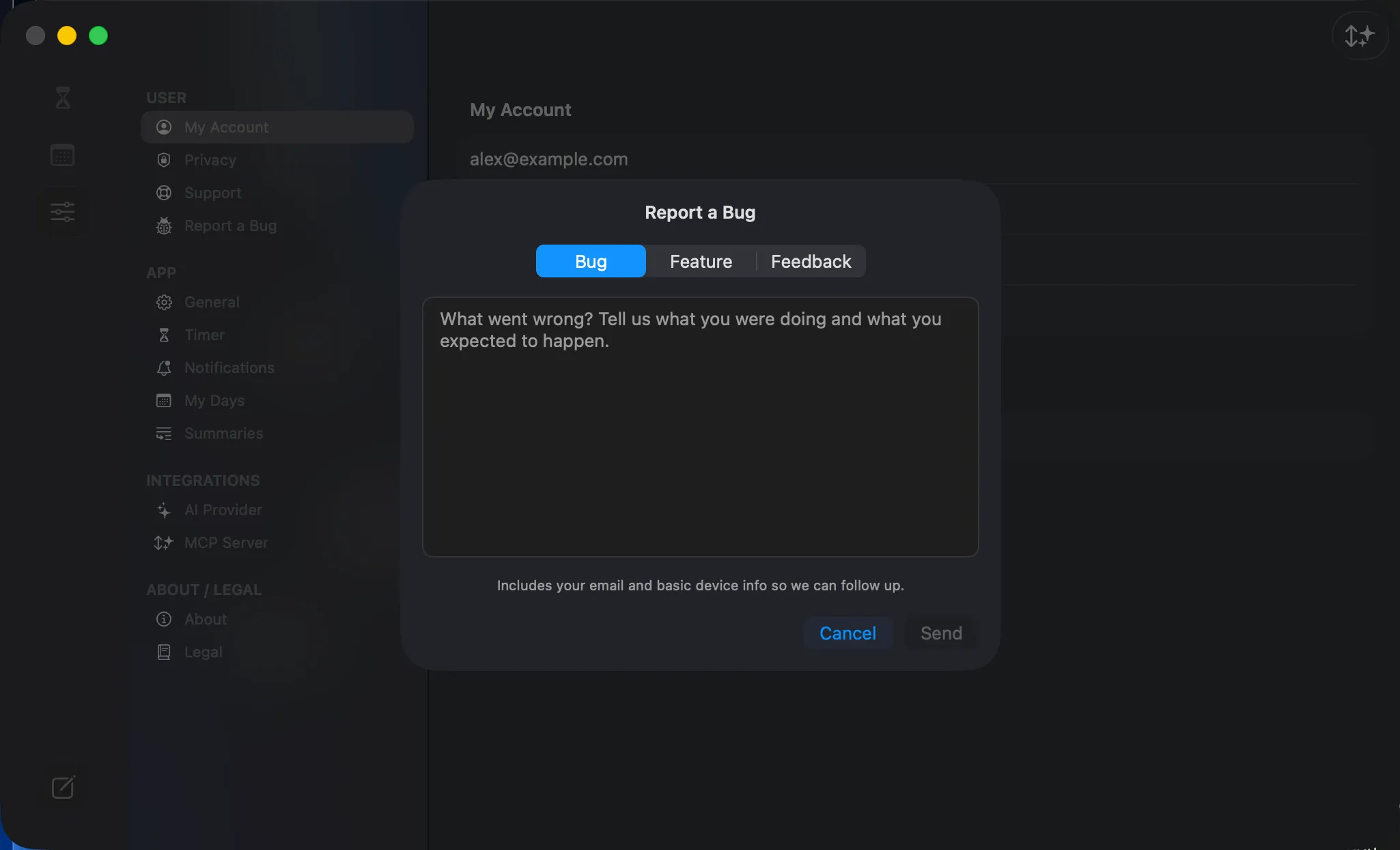 The feedback composer — pick Bug / Feature / Feedback, write your note, and Send.