Categories
Manage your categories/journals under Settings → My Days:
- Add Category (or the pencil to edit) opens a form: a name and a color from a 12-swatch grid.
- Drag to reorder; use the trash to delete.
- Deleting a category that’s in use asks what to do with its entries: move them to another category, make them uncategorized, or delete them (with a confirmation).
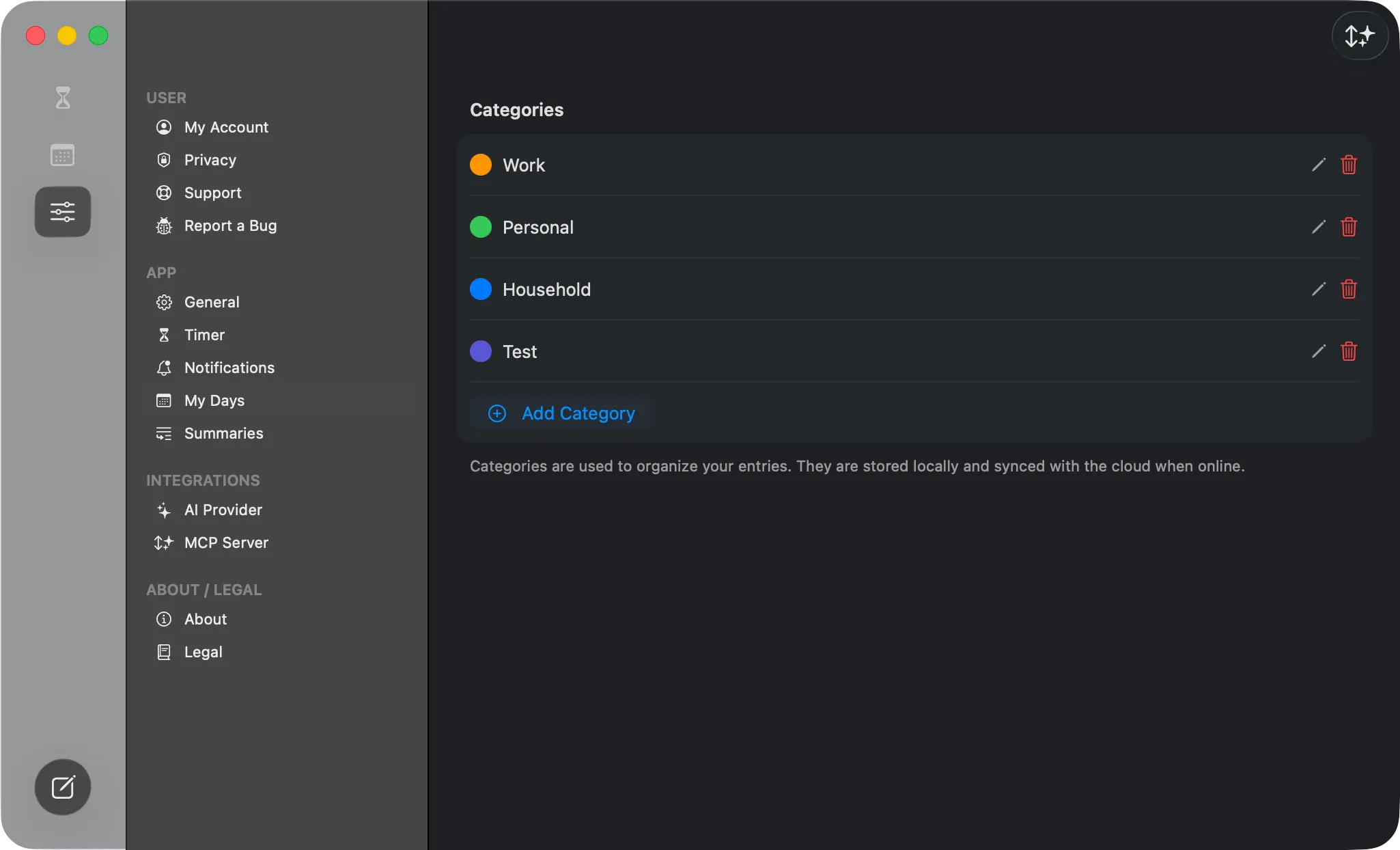 The My Days settings — your categories with color dots, edit/delete controls, and the Add Category button.
For how categories work as independent journals, see Entries, Categories & Tags.